
Getting Started with the App
Download the CINNOX App from the Store
App Store (for iOS devices)
- Go to the CINNOX App download page, then tap GET.
CINNOX iOS App Store
- When prompted, use your Touch ID or enter your Apple ID and password to continue the installation.
- Tap OPEN or tap on its icon from your home screen once it is successfully installed.
Before you can sign in to CINNOX, the App will ask you to grant the following permissions:
- Access to your device's microphone
- Access to your device's camera
At any point while using the App, it may also ask you to grant the following permissions:
- Send notifications
- Access to your device's Photo Library
- Find and connect to devices on your local network
Tap OK or Allow for these permission requests when they appear.
You may also review or change the App's permissions by going to Settings > CINNOX.
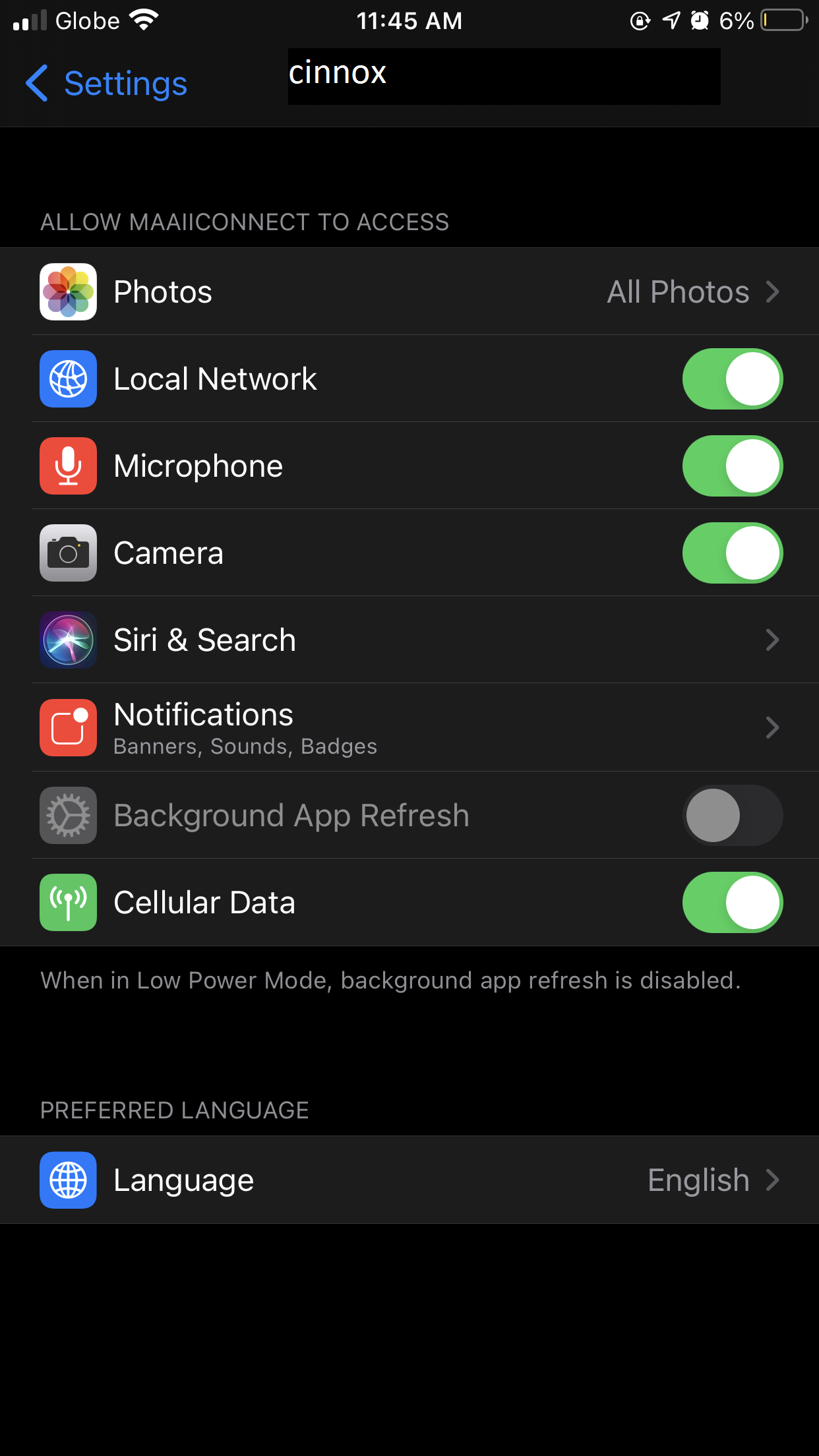
CINNOX App iOS settings
Google Play (for Android devices)
- Go to the CINNOX App download page, then tap Install.
CINNOX Android Google Play
- Tap Open or tap on its icon from your home screen once installed.
🚧
Unable to upgrade CINNOX App from Google Play?
When CINNOX App has the latest version but cannot download from Google Play and other Android Store App, please kill the store app and try again.
Android APK (for users located in China)
Android users not using the Google Play Store located in China may directly download the APK file and install it on their devices.
CINNOX Android APK (located inside China)
Android APK (for users located outside China)
Android users not using the Google Play Store located outside China may directly download the APK file and install it on their devices.
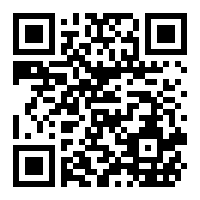
CINNOX Android APK (located outside China)
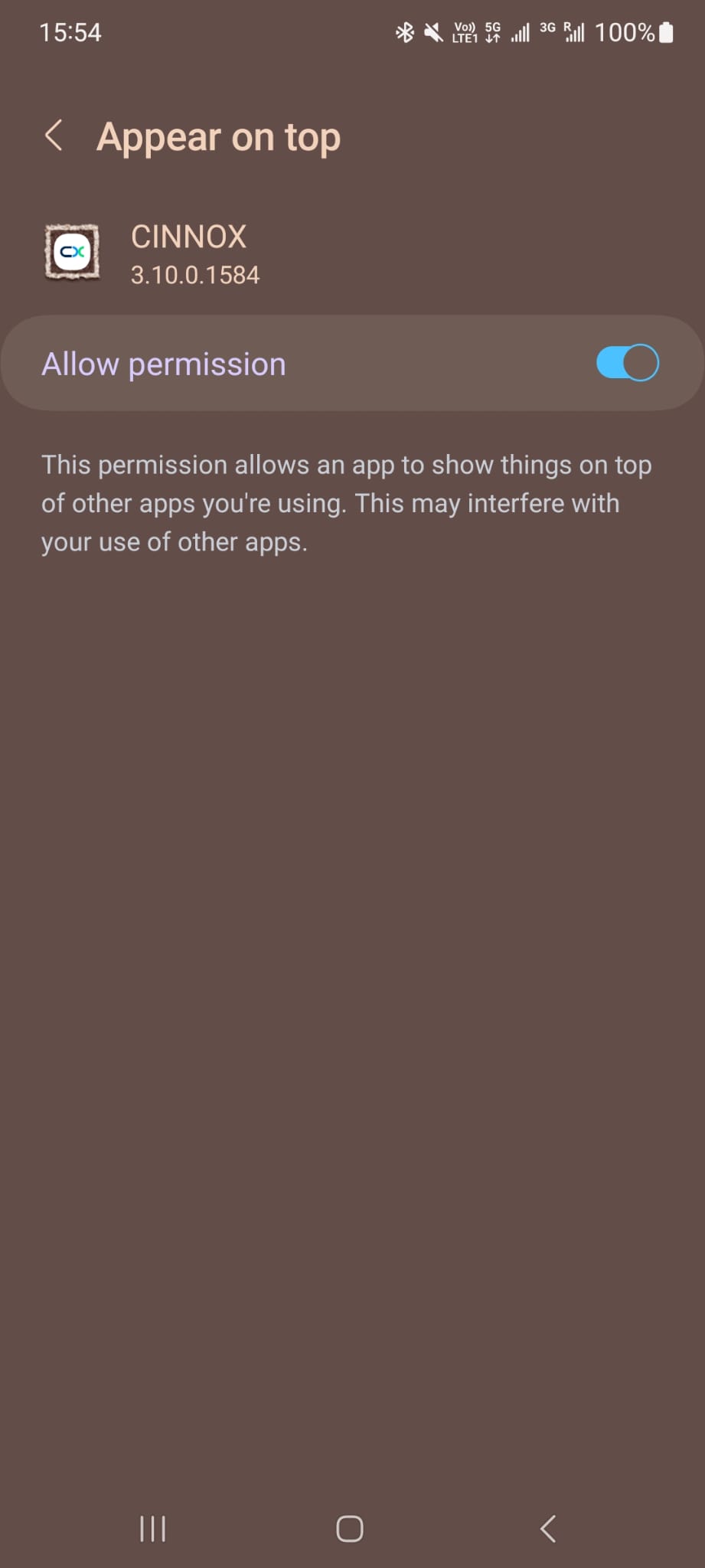
Before you can log in to CINNOX, the App will ask you to permit it to Appear on top, allowing it to show on top of the other apps you may be using. Toggle the button ON to allow permission.
The App will also ask you to grant the following permissions:
- Camera: for capturing photos and videos
- Record Audio: for recording voice messages
- Write External Storage: for creating and downloading media files
- Read Phone State: for reading phone state-related data
- Read Contacts: for calling or sending SMS
Tap Allow for each of these permission requests when they appear. You may also review or change the App's permissions by going to your phone's settings.
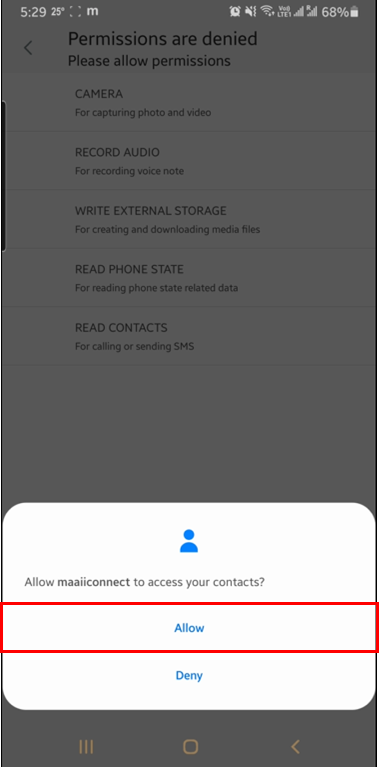
CINNOX App Android permissions
CINNOX Basics
The CINNOX App comes with the same features and functionalities as the CINNOX Web Dashboard - Workspace. This lets you quickly and conveniently manage call and chat enquiries and staff-to-staff communication.
CINNOX syncs conversations made in the Dashboard to the App and vice versa.
First-Time Login
It is essential to understand that you immediately become available for incoming enquiries when you log in to the CINNOX App for the first time. Be prepared to receive enquiries from your visitors and customers.